Admin UI
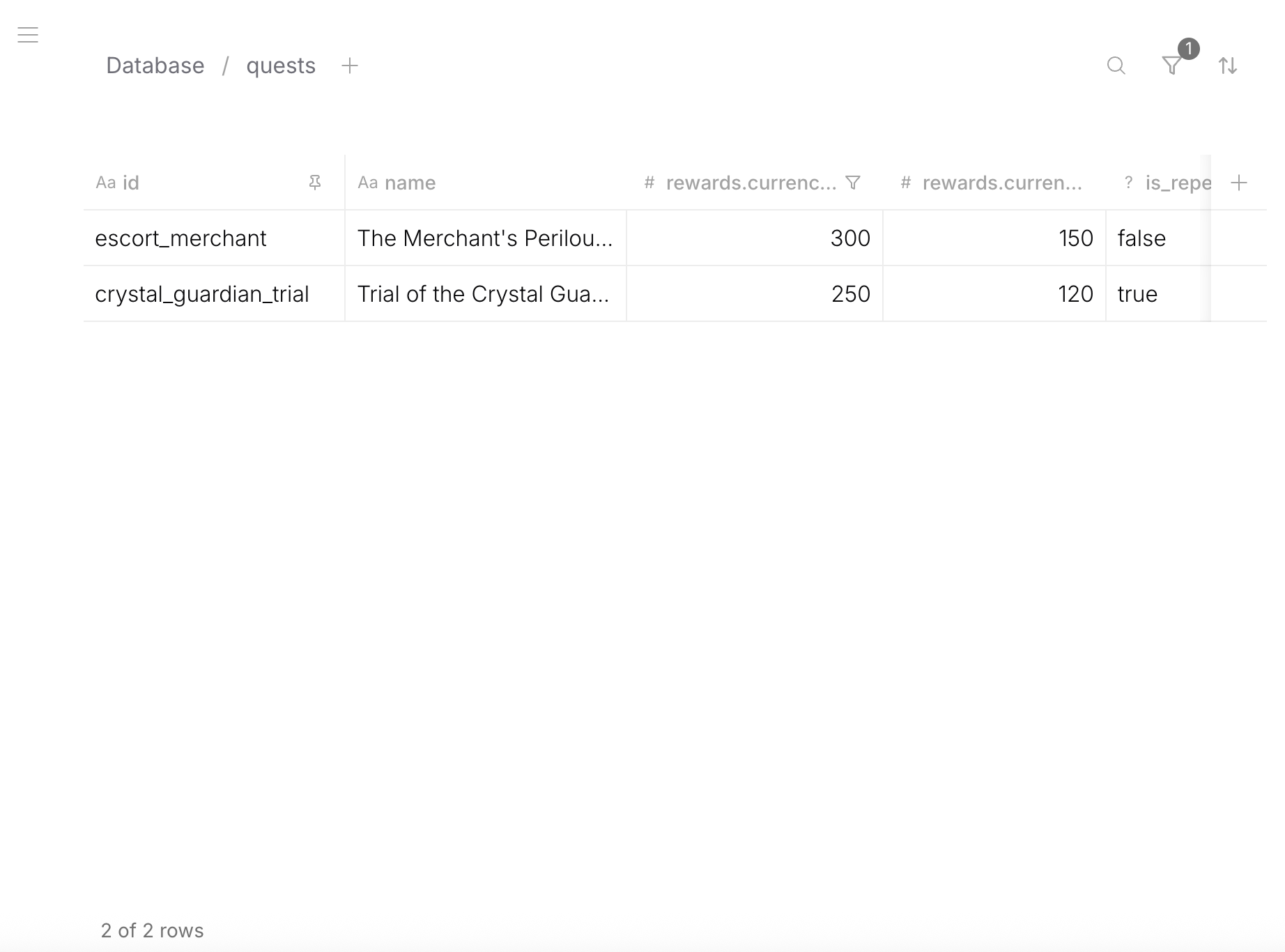
Revisium includes a full-featured web interface for managing schemas, data, versions, and API endpoints. No code required — design schemas visually, edit data in tabular or form views, review changes before committing, and create API endpoints.
Navigation
The Admin UI is organized around the current project and branch:
- Project selector — switch between projects
- Branch selector — switch between branches
- Sidebar — tables list, endpoints, assets, branch map
Key Screens
| Screen | Purpose |
|---|---|
| Schema Editor | Visual schema design — field types, nesting, FK, formulas, files |
| Table Editor | Tabular data view — columns, filters, sorts, search, views |
| Row Editor | Form and JSON views for editing individual records |
| Changes & Diff | Review schema and data changes before commit |
| Assets | File gallery with filtering by table, type, and status |
| Branches & History | Branch map, revision timeline, navigation |
| Migrations | Applied migrations history, upload migration files |
| Endpoints & MCP | API endpoint creation and MCP server configuration |
Access
- Standalone: http://localhost:9222
- Docker: http://localhost:8080
- Cloud: cloud.revisium.io