Branches & History
Branches
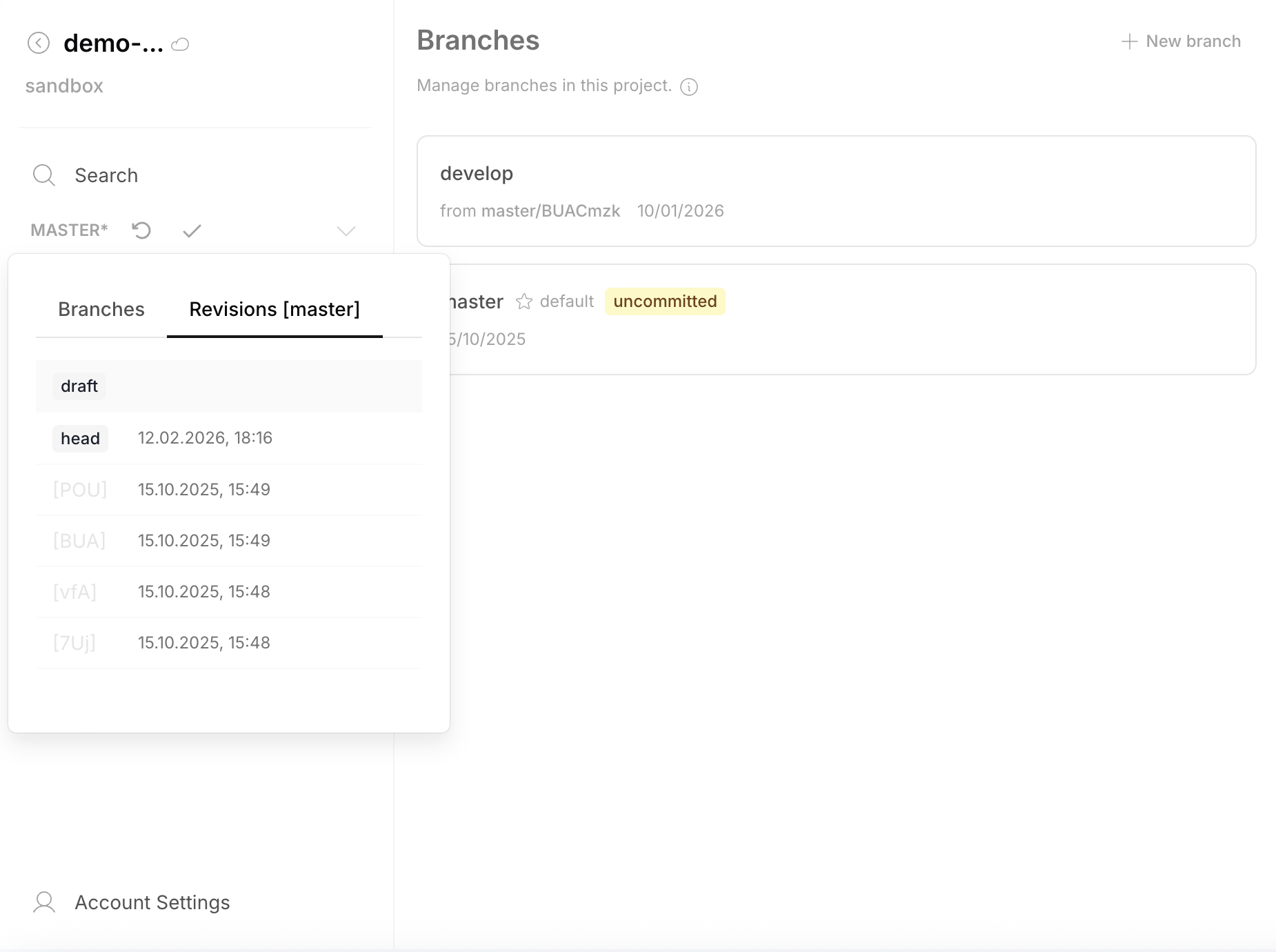
The Branches page lists all branches in the project. Switch between the Branches tab and Revisions tab to see the commit history for a specific branch:
Creating a Branch
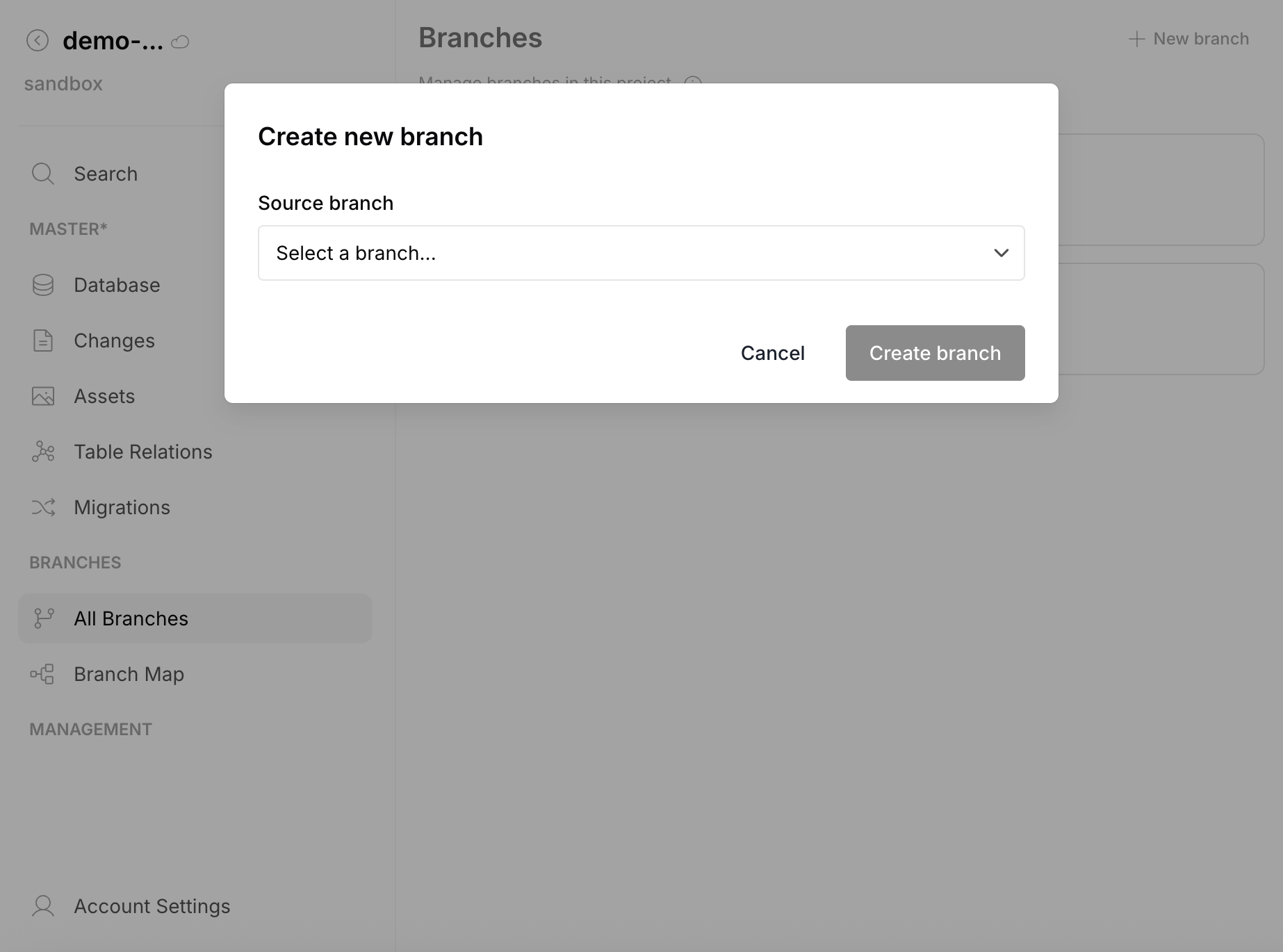
Click + New branch, select a source branch, and the new branch starts with that branch's HEAD as its starting point:
Branch Map
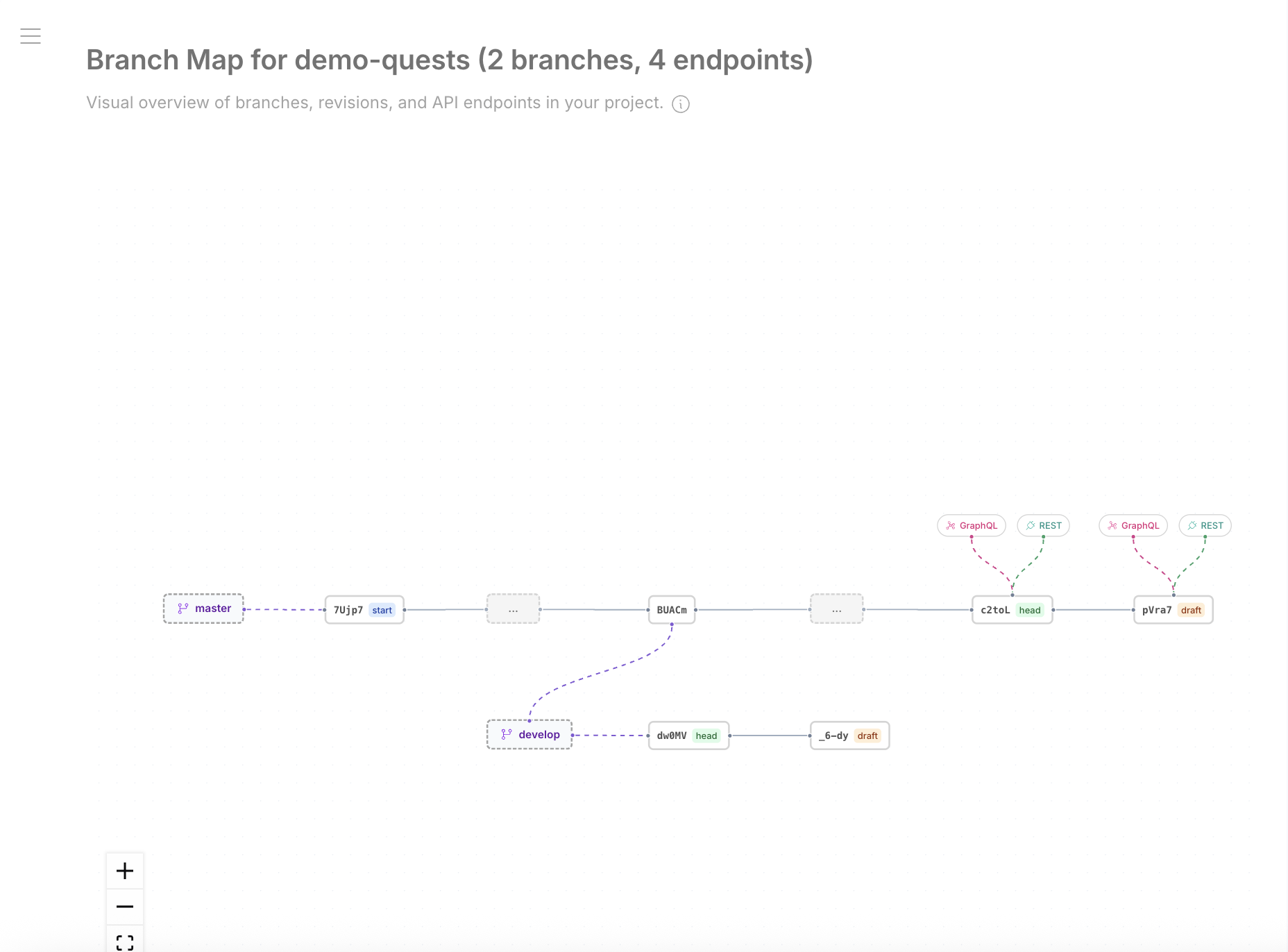
The Branch Map provides a visual graph of all branches, revisions, and API endpoints in the project:
Revision History
Each branch has a linear history of committed revisions. Click any revision to browse its tables and data (read-only — past revisions are immutable).
Rollback
To rollback to a previous state, the platform resets the draft to match a selected past revision.